True dimming
Multi-level hardware dimming
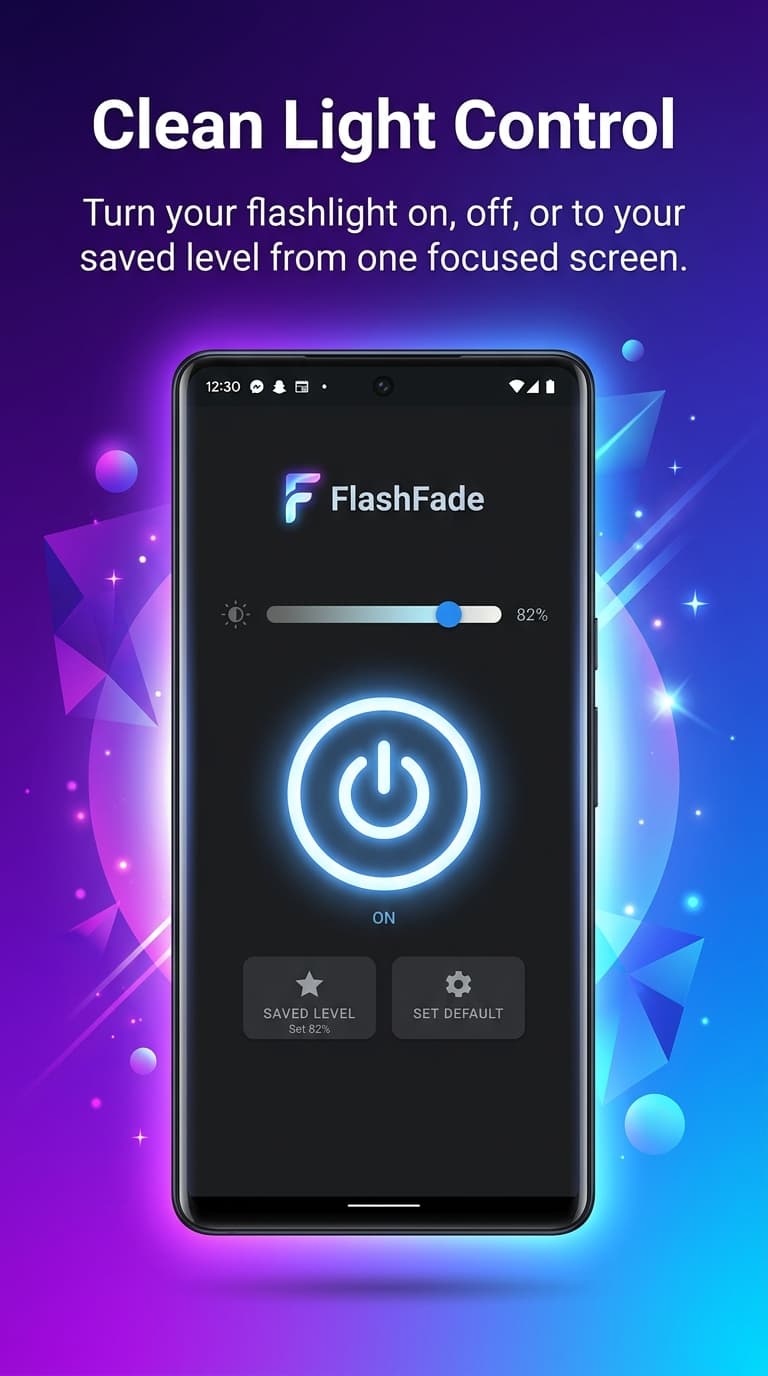
Slide between brightness levels using real Camera2 API torch control — from a soft reading glow to maximum output.
 FlashFade
Hardware-level brightness control
Light control, tuned for your phone. Slide between real brightness levels, signal SOS, transmit Morse code, strobe on beat, and toggle from Quick Settings or volume buttons.
More than on and off
Hardware-level dimming, emergency SOS, Morse code, interval strobe, Quick Settings tile, volume-button toggle, and 70+ languages — all in a clean smoked-glass interface.
Slide between brightness levels using real Camera2 API torch control — from a soft reading glow to maximum output.
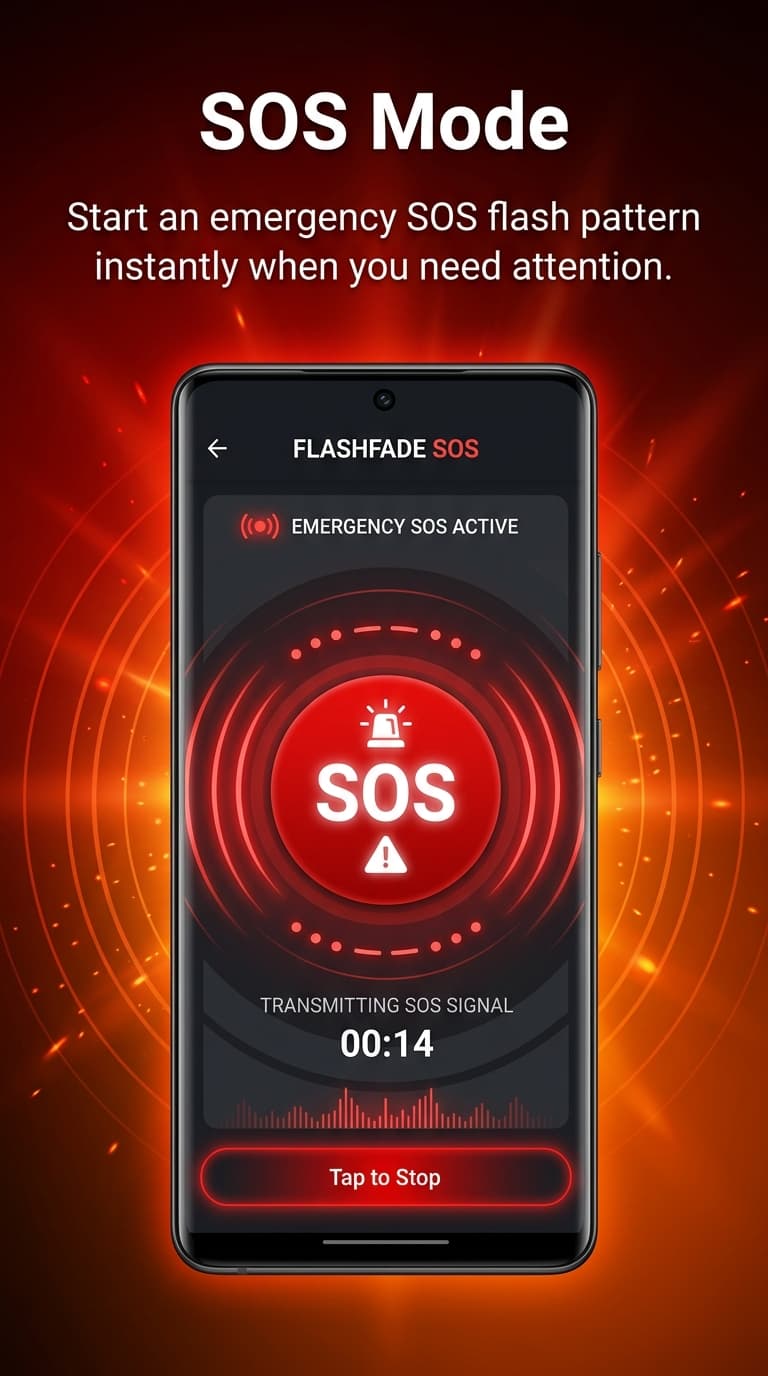
One tap activates the international SOS pattern, looping until you stop it.
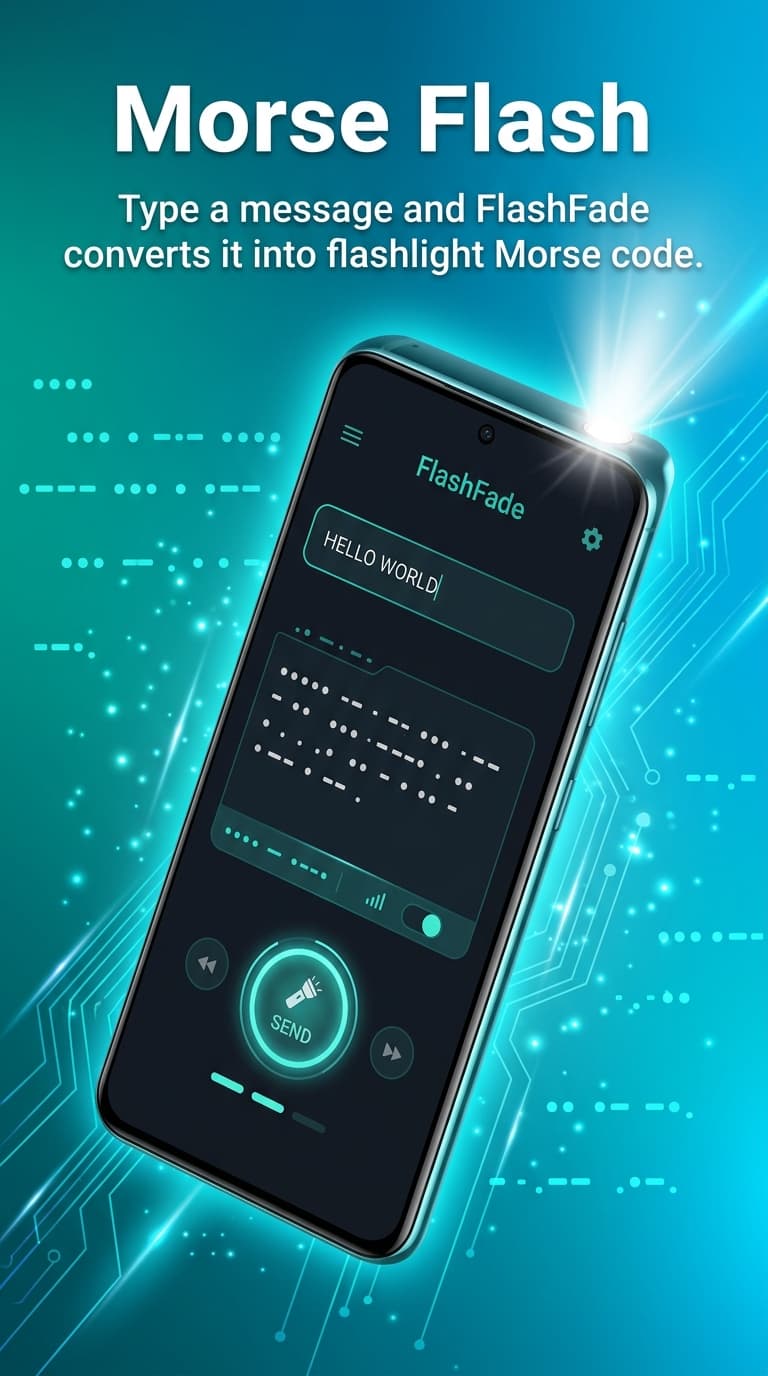
Type any text and watch it pulse as optical Morse code with live letter tracking and synchronized haptics.
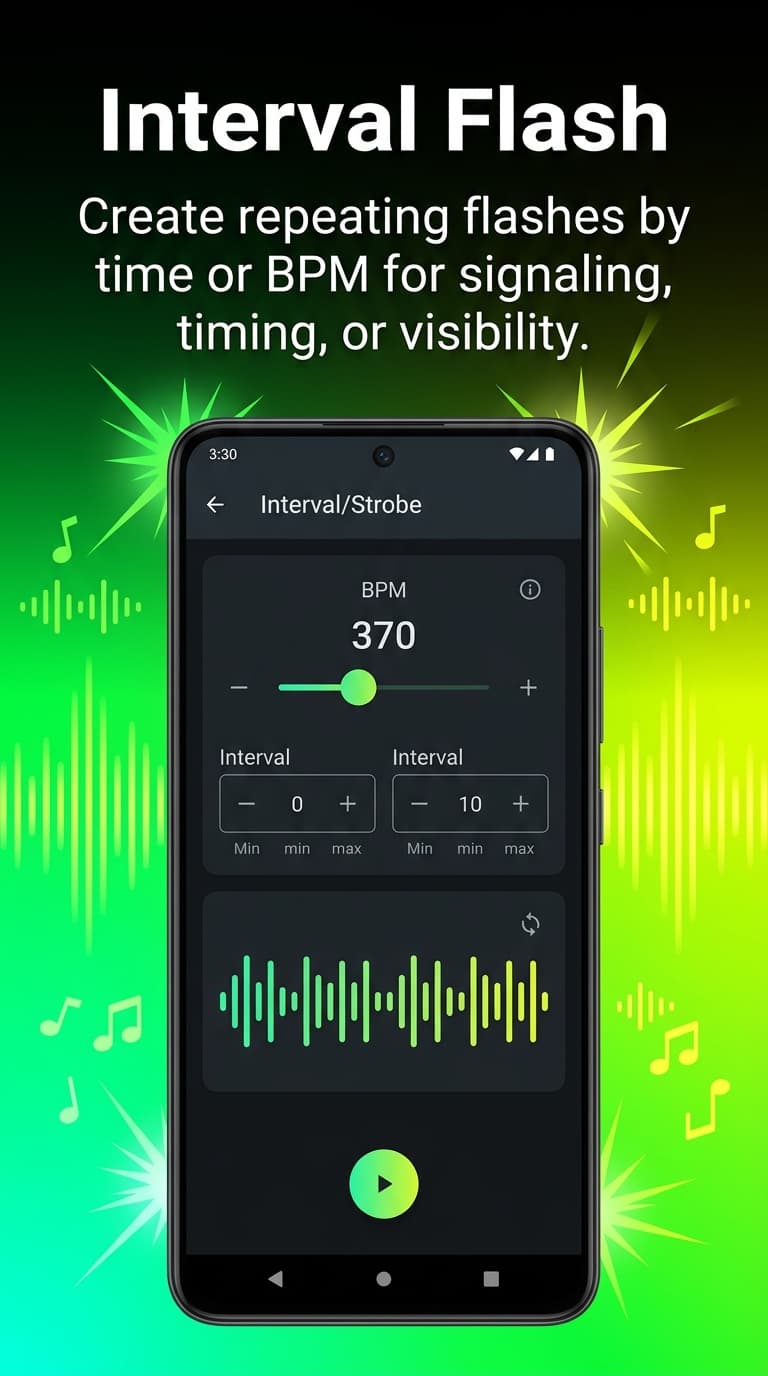
Set precise flash cycles in milliseconds or BPM for signaling, photography, or creative effects.
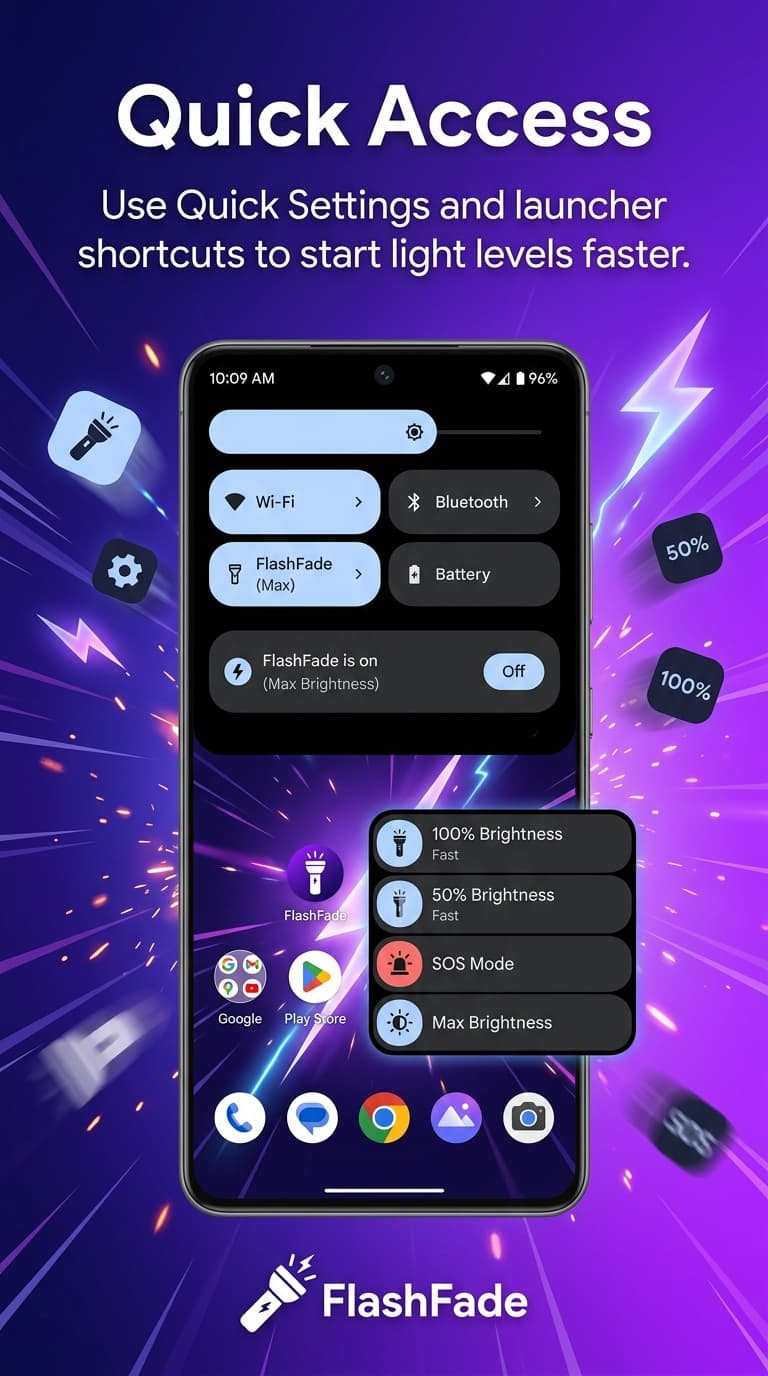
Toggle or step-dim directly from the notification shade — Off, Min, Half, Max without opening the app.
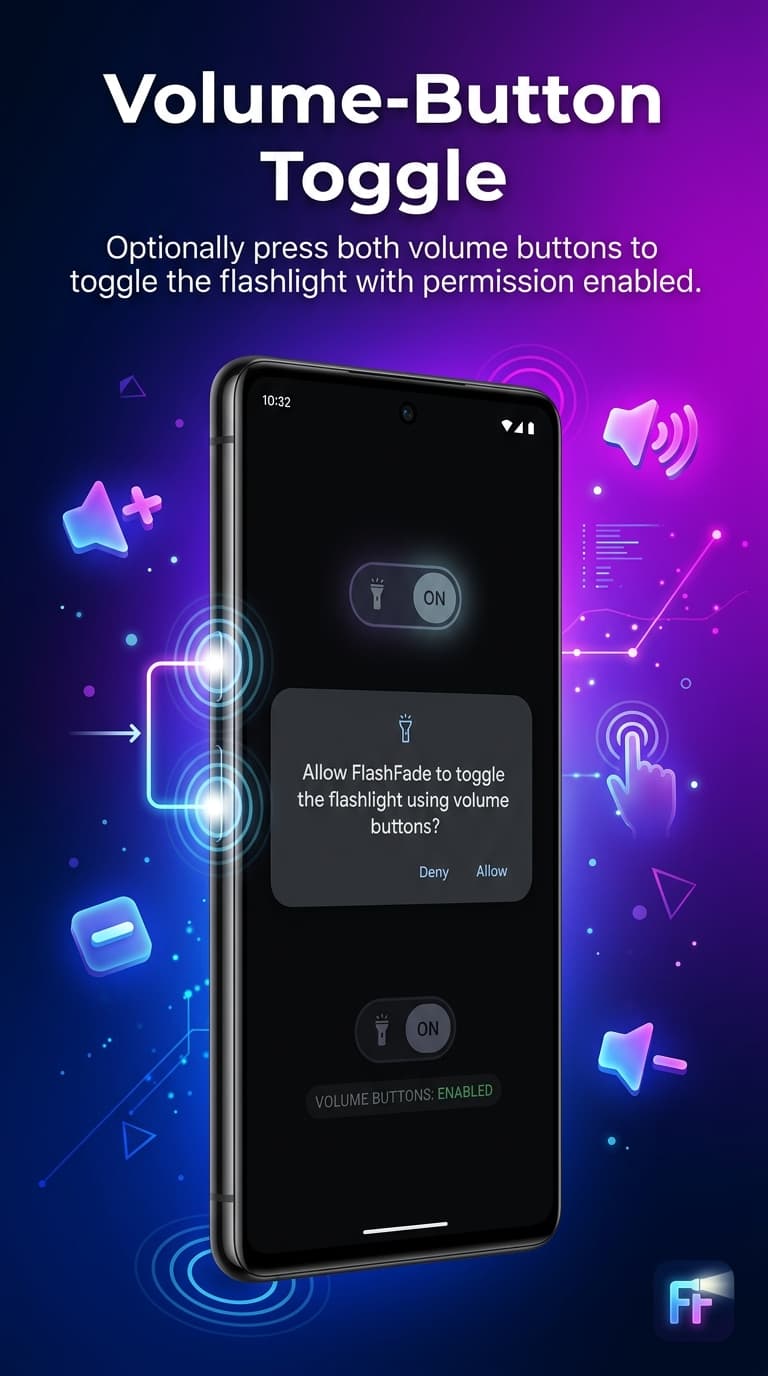
Press both volume buttons simultaneously to toggle the flashlight — works with the screen off.
What you get
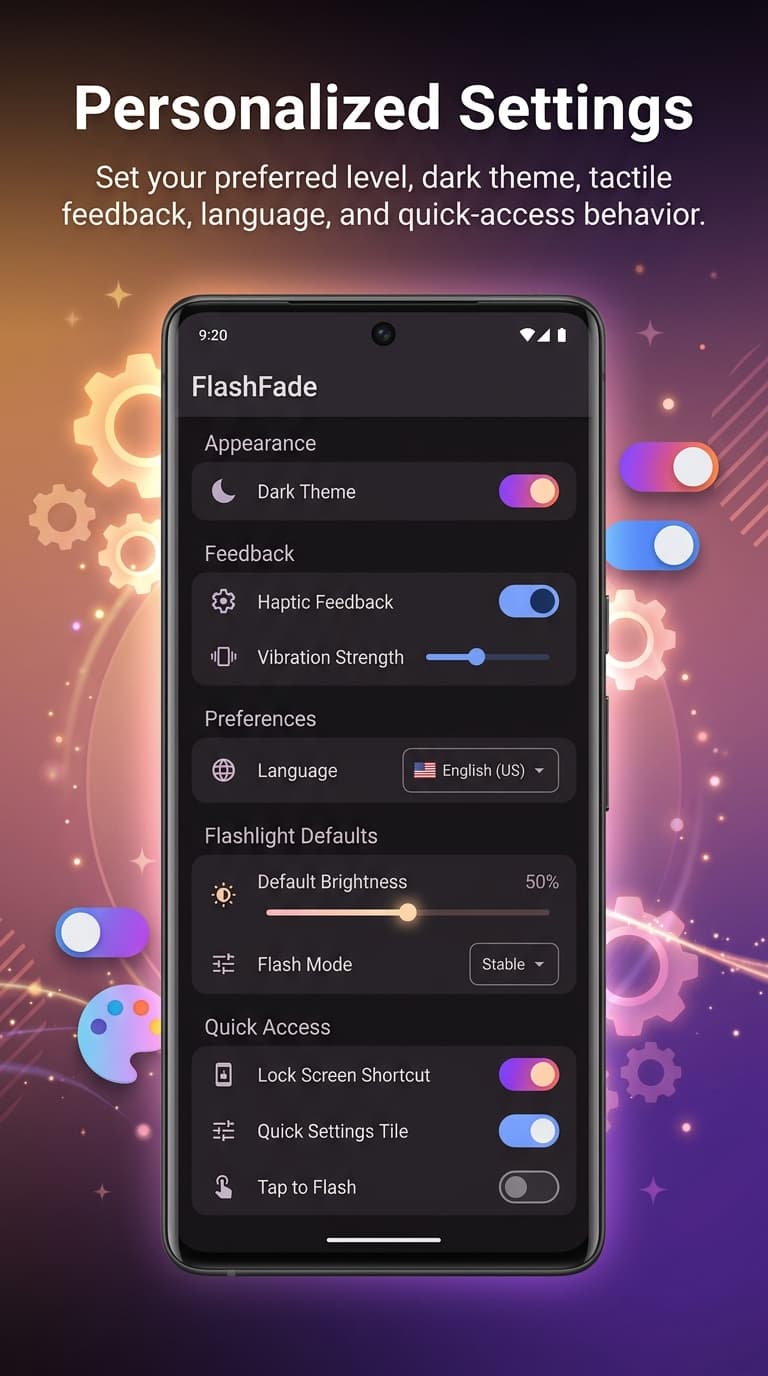
Browse every screen — from the brightness slider to Morse code, SOS, interval flash, Quick Settings, volume toggle, and granular preferences.
How it works
Open to a focused control surface, dial in the brightness, then set up shortcuts so the light is always one gesture away.
Open to a focused control surface built for quick one-hand use with a custom vertical brightness slider.
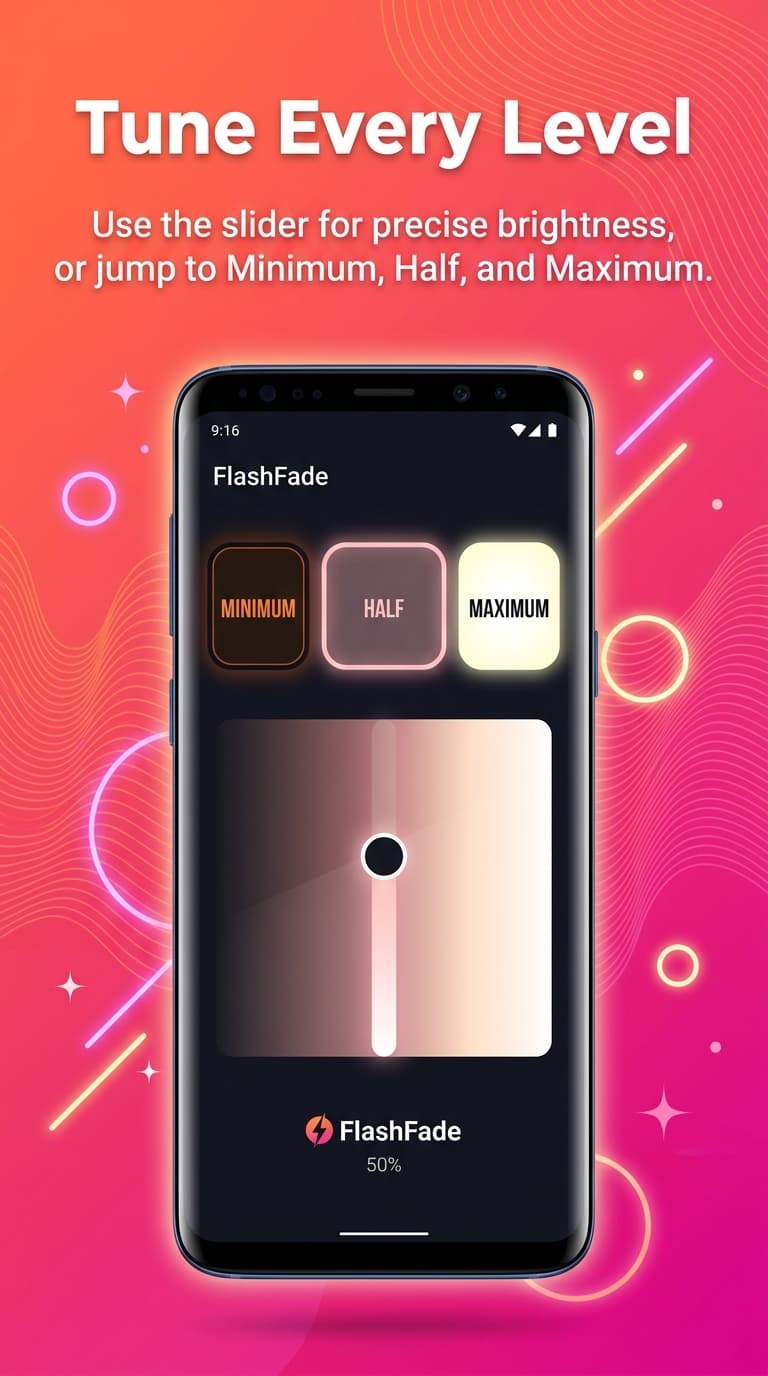
Set minimum, half, maximum, or slide to the brightness that fits the moment — with haptic feedback on every notch.
Use Quick Settings, Morse, interval flashes, and optional volume-button access without ever opening the app.
Get the app
Scan the QR code from desktop or tap the button on mobile. Requires Android 13+ for hardware-level brightness control.
Ready to shine